


How SECOM's 24/7 Monitoring Works: We Monitor Alarm Signals, Not Your CCTV
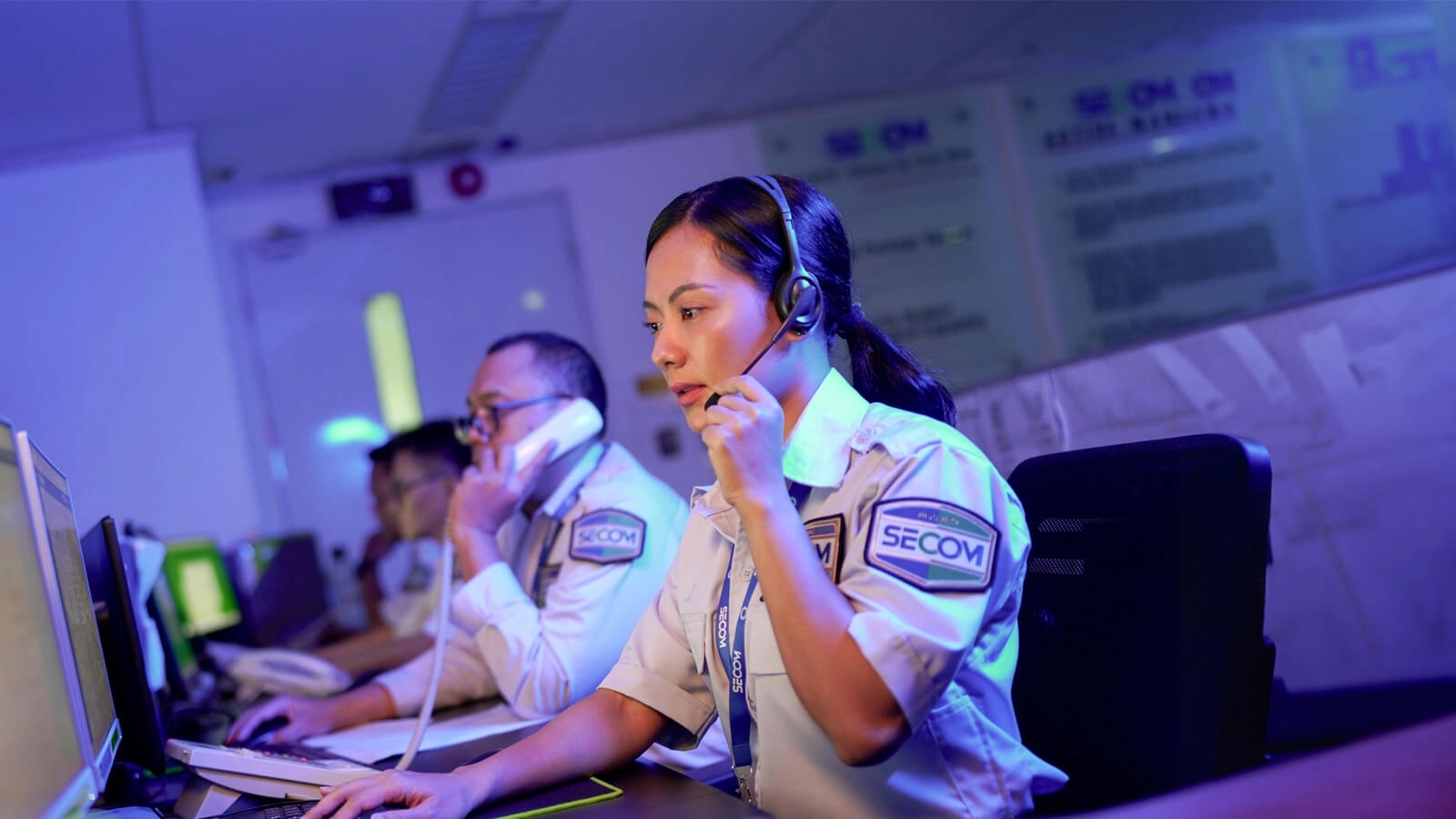
The SECOM Control Center monitors signals from the alarm sensors at your property, 24 hours a day. What reaches the Control Center is a signal, not an image or video. Your CCTV footage can only be viewed by you, through the SECOM Smart Security app.
We hear this question often from prospective customers, especially homeowners: "If you monitor 24/7, does that mean SECOM staff can see inside my home?"
The answer is no. "Monitoring" easily brings to mind a room full of CCTV screens, but the way it actually works is very different.
What does the SECOM Control Center monitor?
Alarm sensors. The SECOM Smart Security system places sensors at vulnerable points such as doors, windows, and areas people pass through. Each sensor knows only two states: normal or triggered.
When the system is armed and a sensor is triggered, the alarm panel sends a signal to the SECOM Control Center. That signal carries event information: which sensor went off, and when.
What happens when an alarm is triggered?
A sensor detects an event, for example a door opening while the alarm is armed.
The alarm panel sends a signal to the SECOM Control Center.
You get a notification in the SECOM Smart Security app right away.
A Control Center operator verifies the situation and, if needed, dispatches a physical response team to your location.
Operators work with event data and response procedures. They have no need to look through your cameras, and no way to.
Why doesn't the Control Center watch your CCTV?
Because your camera footage is your private space. CCTV at home or in the office records the daily lives of your family, your employees, and the guests who drop by. SECOM separates the two by design: the Control Center handles alarm signals for emergency response, while visual footage stays with the owner. The SECOM Control Center cannot open your CCTV.
The separation is practical, too. In an emergency, what an operator needs most is a fast answer on which point was triggered and at what time. The alarm signal delivers exactly that.
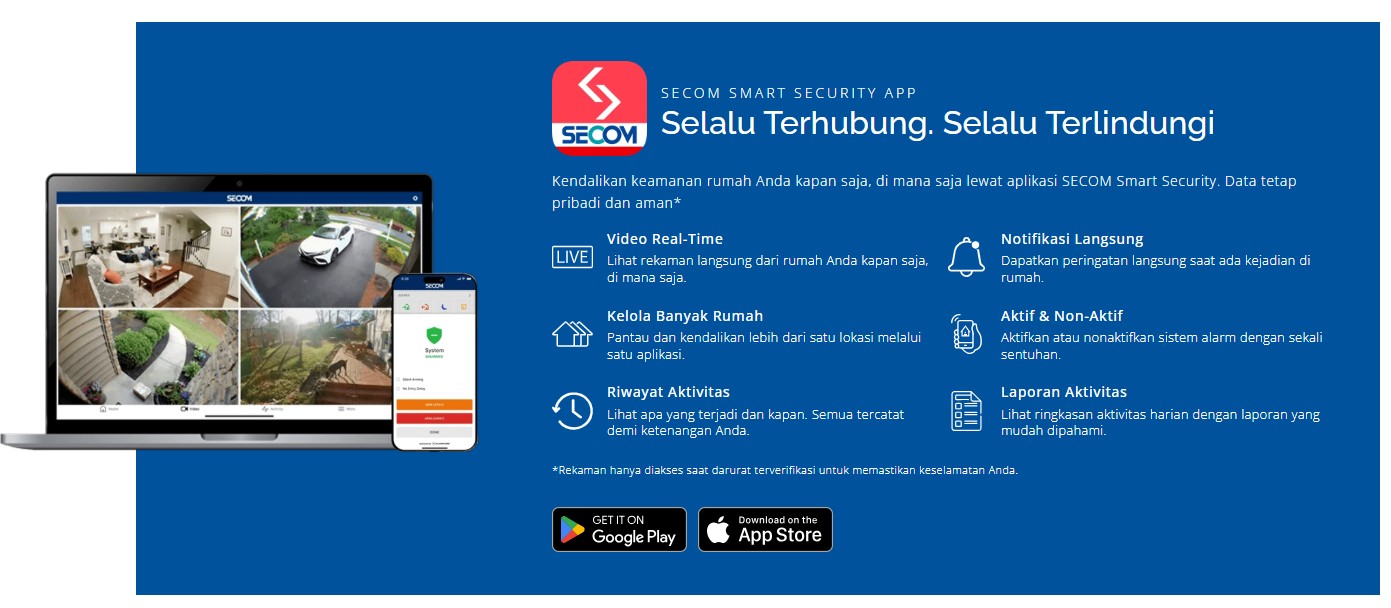
Your CCTV footage opens through your app
SECOM Smart Security users get a dedicated app. With it you can watch live camera feeds, arm or disarm the alarm with a single tap, receive instant notifications, and monitor several properties from one account.
Need access for family members or staff? The SECOM Smart Security Web Portal lets you manage user access and review a more detailed activity log. You decide who gets to see what.
Frequently asked questions
Can SECOM staff see inside my home through CCTV? No. The SECOM Control Center only receives signals from alarm sensors. CCTV footage can only be accessed through the user's own SECOM Smart Security app.
If the Control Center can't see images, how does it know something is wrong? From the sensor signal. Each signal shows which sensor was triggered and when. The operator then verifies the situation and sends a physical response team if needed.
Who can open my CCTV footage? You as the user, plus anyone you grant access through the user settings in the Web Portal.
Will I still be notified when the alarm is triggered? Yes. The notification goes straight to your SECOM Smart Security app, while the SECOM Control Center handles the same signal.
SECOM Indonesia has protected homes and businesses in Indonesia for more than 30 years. In Japan, the calm that comes from knowing you are safe is called Anshin. For us, part of that is peace of mind about your privacy.
Want to know which sensor setup fits your home or business? Book a free consultation with the SECOM team.