


CCTV and Indonesia's PDP Law: A Practical Guide for Companies
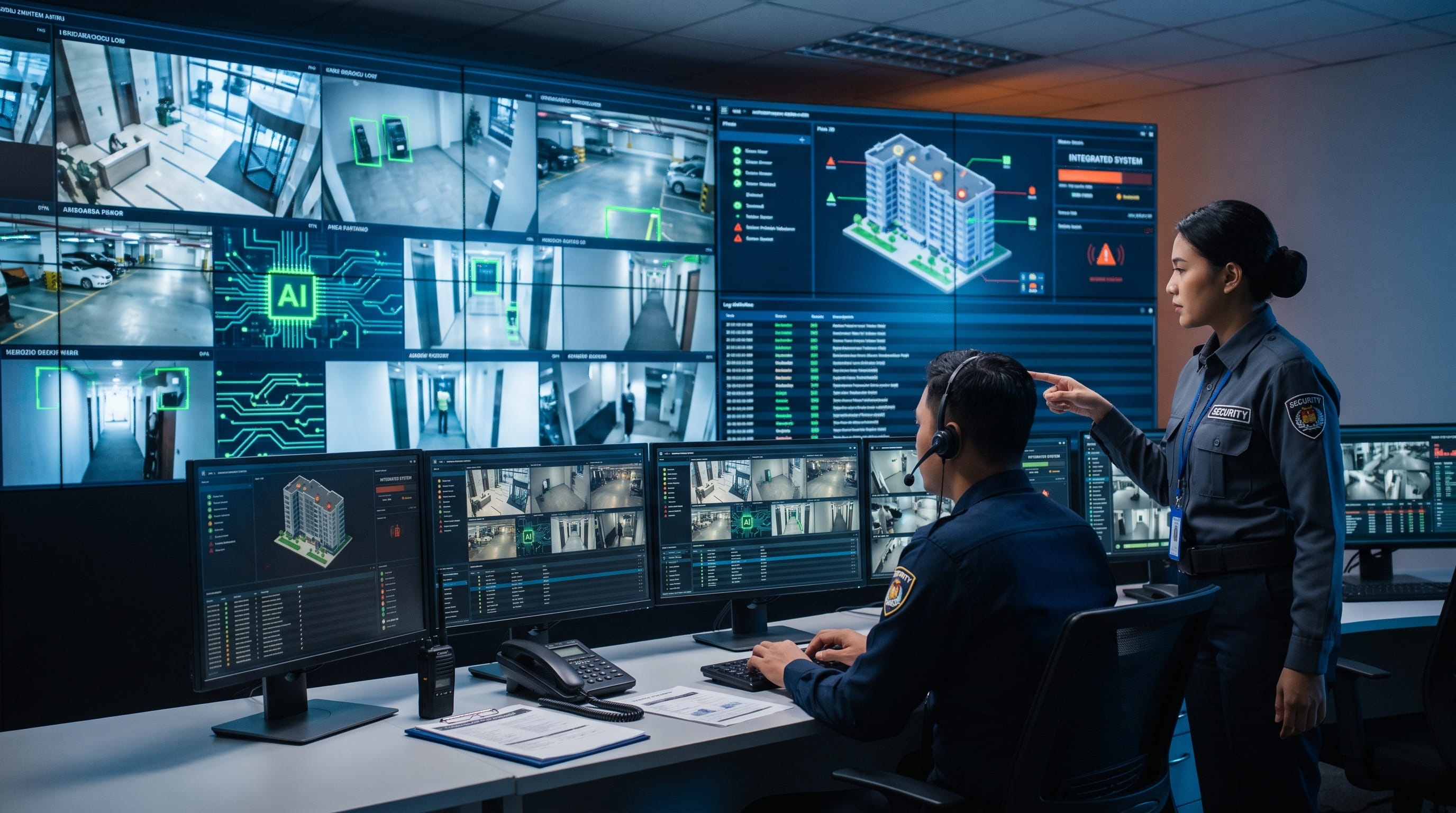
Many companies install cameras to protect their assets, then stop thinking the moment the devices switch on. Yet the relationship between CCTV and Indonesia's Personal Data Protection Law (the PDP Law) touches decisions that come up every day: where the cameras point, who may replay the footage, and how long the files are kept. A recording of someone's face is personal data, and personal data carries responsibility for whoever manages it.
Why Is CCTV Footage Considered Personal Data?
CCTV footage counts as personal data because the PDP Law defines personal data as data about an individual who is identified or identifiable, either alone or when combined with other information. A person's face, posture, and movement patterns in a video meet that test.
Identification does not always require a name. Footage showing an employee entering at 08:02, matched against an access card log or an attendance list, is enough to tell who that person is. For this reason, recording, storing, replaying, and sharing footage all count as processing of personal data.
Is CCTV Footage Considered Biometric Data?
Ordinary footage is generally treated as personal data that can identify a person. The situation changes when the footage is processed to recognize faces automatically. Biometric data is classed as specific personal data, which carries a higher level of protection. In practice, the exact line between "facial footage" and "biometric data" is still to be clarified by implementing regulations and the supervisory authority, so features such as face recognition and behavioral analytics should be assessed first, not simply switched on.
Government Regulation No. 33 of 2026 (GR 33/2026) requires a personal data protection impact assessment before high-risk processing, including processing that involves specific data, large scale, new technology, or systematic monitoring. Cameras with smart analytics in the workplace deserve to be checked against these criteria.
What Legal Basis Applies, and Who Is Responsible for the Footage?
The main framework is Law No. 27 of 2022 on Personal Data Protection, supplemented by GR 33/2026, which takes effect on 16 January 2027. Responsibility for the footage lies with the personal data controller, meaning the party that determines the purposes and means of processing, usually the company that owns or operates the cameras.
Several relevant references:
PDP Law Article 17 governs the installation of visual data processing devices in public places and/or public service facilities. The conditions: it must serve security, disaster prevention, or traffic purposes; information must be provided in the area where devices are installed; and the devices must not be used to identify a person. The last two conditions are waived for crime prevention and law enforcement.
PDP Law Article 20 provides that personal data processing must have a lawful basis, such as consent, a legal obligation, or another legitimate interest. GR 33/2026 confirms that a legitimate interest must take into account the balance between the data subject's rights and the controller's interests.
Other intersecting regulations, for example the Electronic Information and Transactions (ITE) Law on electronic information as evidence.
One point that is often overlooked: Article 17 textually mentions public places and public service facilities. Whether an office lobby or reception area that guests can enter falls within its scope is a question of interpretation. The safer approach is to apply its principles (clear purpose, notice, no excess) across all work areas, because the lawful-processing principles in the PDP Law apply regardless of location.
What About CCTV Vendors and Building Managers?
A company that appoints a third party to manage the system or the monitoring essentially makes that vendor a personal data processor. The controller's responsibility does not shift to the vendor. In certain arrangements, for example where a tenant and a building manager jointly determine the purposes of processing, GR 33/2026 provides for joint controllers, who need an agreement on their respective roles and responsibilities. Make sure your service contract reflects this division of roles.
Does CCTV Violate Employee Privacy?
Not by itself. CCTV with a clear security purpose, installed proportionately, disclosed, and managed with discipline can be consistent with data protection principles. Problems arise when cameras are installed without a documented purpose, reach areas that should be private, or have their footage used for something beyond the original purpose. Three useful test questions: What is the purpose? Is there a less intrusive way? Have the people being recorded been told?
Which Areas Can and Cannot Have Cameras?
There is no single list that applies to every office. The principle: install cameras in areas with a clear and proportionate security purpose, and avoid areas that are reasonably private, such as toilets, changing rooms, and lactation rooms.
As a starting guide for internal discussion:
Category | Example Areas | Notes |
|---|---|---|
Generally Reasonable | Entrances and exits, lobby, parking areas, warehouse, cash areas, server room, corridors, production lines | The security or safety purpose is easy to explain |
Needs Extra Consideration | Pantry, break rooms, meeting rooms, desk areas | Document the reasoning; aim cameras at assets or access points, not at people |
Avoid | Toilets, changing rooms, lactation rooms, prayer rooms | High legal and reputational risk |
What About CCTV in Employee Spaces?
We found no rule that explicitly prohibits or permits cameras in break rooms. What exists are general principles: processing must have a legitimate purpose and must not be excessive. A camera that points at people resting is hard to justify as a security measure. If there is a concrete reason, for example the room stores valuables, point the camera at the door or the storage cabinet, not at the seating area, and record your assessment in writing.
Also watch for purpose creep. A camera installed for security and then used to assess productivity serves a new purpose that needs its own legal basis and notice. Audio recording adds another layer of legal risk beyond the PDP Law and should be discussed with legal counsel before it is switched on.
What Are the Notification Obligations Toward Employees and Guests?
People who are recorded have the right to know they are being recorded. The minimum practice: a visible CCTV warning sign in each monitored area, plus a written policy that explains the purpose, who has access, and how long footage is kept.
Article 17(1)(b) requires information to be provided in areas where visual data processing devices are installed. For workplaces, good notification is usually layered:
Signage on site. Place it at entrances and monitored areas, in clear language, with a contact person.
Written policy for employees. Include it in company regulations, an annex to the employment agreement, or an official memo, with an acknowledgment of receipt. It should cover: purpose, general camera locations, who has access, retention period, and how to submit questions.
Information for guests and contractors. A sign in the lobby and, where possible, a short statement on the guest form or visitor management system.
Article 17(2) waives the notification requirement for crime prevention and law enforcement. This wording is aimed at law enforcement interests. Using it as grounds to install hidden cameras in an office is a risky interpretation that must first be consulted with legal counsel.
Who Can Access the Footage, and How Is Access Recorded?
Access to footage should be limited to people who need it for the stated purpose, and every action, from viewing to replaying to exporting, should be recorded in a traceable log.
The PDP Law requires controllers to maintain the security and confidentiality of personal data, and GR 33/2026 spells out these safeguards in more operational detail. For CCTV, this translates into separated access rights. A commonly used structure:
Role | Typical Access Rights |
|---|---|
Monitoring Operator | Live view according to shift, no export rights |
Security Supervisor | Playback for incident investigation, export with approval |
HR/Legal | Limited access, only on specific grounds and logged |
System Administrator | Configuration and maintenance, no shared accounts |
Several practices separate a well-ordered system from one that is merely installed:
Individual accounts with strong authentication, no shared passwords on the recorder
Logs that record who, when, which camera, and for what purpose
A written ban on photographing monitor screens or forwarding video clips to chat groups
Encrypted storage and network, and periodic review of access rights
This is where the human aspect matters as much as the technology. A system with tidy access control depends on the discipline of the people who operate it. SECOM's Man-Machine approach combines monitoring technology with trained personnel bound by confidentiality procedures, including the operators at the SECOM Control Center.
If protection fails, for example footage leaks to the public, GR 33/2026 and the PDP Law require written notification within 3x24 hours (72 hours) to the data subject and the supervisory authority. An incident response procedure should be prepared before an incident happens.
What If an Outside Party, Including Law Enforcement, Asks for the Footage?
Do not hand over footage on a verbal request alone. Ask for an official written request, verify the requester's identity and authority, involve the legal team, limit the footage to the cameras and time range requested, and record the handover.
CCTV footage can serve as electronic evidence. Constitutional Court Decision No. 20/PUU-XIV/2016 stresses that electronic recordings are valid as evidence if lawfully obtained, namely at the request of law enforcement for law enforcement purposes. In a seizure, investigators present a seizure order and a permit from the head of the court (as cited from Klinik Hukumonline). Indonesia's criminal procedure law now also has a new KUHAP (Criminal Procedure Code), so procedural details should be confirmed with legal counsel.
Practical steps that can go into an SOP:
Designate a single point of contact (for example legal or the head of security) authorized to receive requests.
Ask for official documents and copy the officer's ID.
Hand over only a copy of the relevant footage, not direct access to the system. Keep the master.
Record who requested, the basis of the request, what was handed over, when, and who handed it over.
For requests from private parties such as insurers, legal representatives, or someone who lost an item, treat them as a disclosure of data that requires its own basis and assessment. Direct the requester through an official report where relevant.
What If an Employee or Guest Requests Footage of Themselves?
People who appear in footage have rights as personal data subjects, including the right to access data about themselves. According to news reports, GR 33/2026 sets a short deadline of 3x24 hours (72 hours) for fulfilling data subject rights, with verification required first. Prepare a process for receiving and verifying requests, and consider how to protect other people who appear in the same footage, for example by blurring faces.
What Are the Most Common Mistakes?
The most common mistakes are not about equipment but about governance: cameras go up first, and the policy follows later, or never.
Install first, write the policy later. Without a written purpose, every later decision is hard to justify.
No notification. CCTV signs are not posted, or employees are never told about the footage policy.
Camera angles are never re-evaluated. The layout changes, but a camera keeps facing an area that is now sensitive.
Access is too loose. Many people hold the same password, and there is no log.
Unlimited retention. We found no standard retention period specific to private CCTV footage, so the period must be set by you based on purpose and documented. Keeping footage indefinitely and without reason is hard to defend.
Footage circulates through messaging apps or flash drives with no record of who received what.
Analytics features are enabled without assessment. Face recognition or behavior detection is turned on because it is available, not because of a need that has been tested.
Building a CCTV System That Aligns with Data Governance
Compliance starts with design, not with fines. A good system makes it easy to do the right thing: role-based access rights, automatic logs, adjustable retention periods, and procedures that everyone who touches footage understands.
With more than 30 years of experience in Indonesia and the Japanese standards that underpin SECOM, we help companies set up CCTV configurations that support the data protection policies you have already established with your legal team. SECOM does not replace your legal counsel, but we can make sure the technical and operational side is ready to run.
Talk to SECOM about your security needs today.